A smart lock should make coming and going easier, not create a new door problem. For homeowners, landlords, and business operators considering smart lock installation in Kirkwood, Missouri, the quality of the installation matters as much as the lock itself. A lock that is poorly aligned, incompatible with the door, or never properly tested can lead to unreliable access, fast battery drain, and a door that will not latch correctly.
A professional mobile locksmith can evaluate the existing door hardware, install the right lock for the situation, and make sure the door works properly with both electronic and mechanical access. That is especially useful when replacing an older deadbolt, changing access after a move, managing rental turnover, or improving entry control at a local business.
What a Smart Lock Can Do for a Kirkwood Property
Smart locks replace or work alongside a standard deadbolt, allowing authorized users to enter with a keypad code, phone app, key fob, fingerprint reader, or traditional key, depending on the model. Many options allow property owners to create separate codes for family members, tenants, cleaners, contractors, or employees.
For a Kirkwood homeowner, that may mean no longer leaving a spare key under a mat or waiting at home for a service appointment. A landlord may be able to change tenant access without collecting and reissuing keys. For a small office, retail shop, medical practice, or warehouse, designated codes can help make access management more organized.
The right features depend on the property and the people using it. A simple keypad deadbolt can be a practical choice for a side door or rental unit. A connected lock with remote management may be more useful for a primary residence, vacation property, or business with several authorized users. More technology is not always better. The best choice is one that fits the door, security needs, and comfort level of the owner.
Smart Lock Installation in Kirkwood, Missouri Starts With the Door
Smart locks are often marketed as easy do-it-yourself upgrades, but doors are not all built or maintained the same way. Before selecting or installing a lock, a locksmith should look at the condition and fit of the door, the existing deadbolt preparation, the backset, the door thickness, and the strike plate alignment.
A lock can be installed correctly according to the instructions and still perform poorly if the door is sagging, the bolt rubs the strike, or the frame has shifted over time. This is common on exterior doors that see frequent use or seasonal movement. If the deadbolt needs force to turn before the upgrade, a smart lock motor may struggle even more.
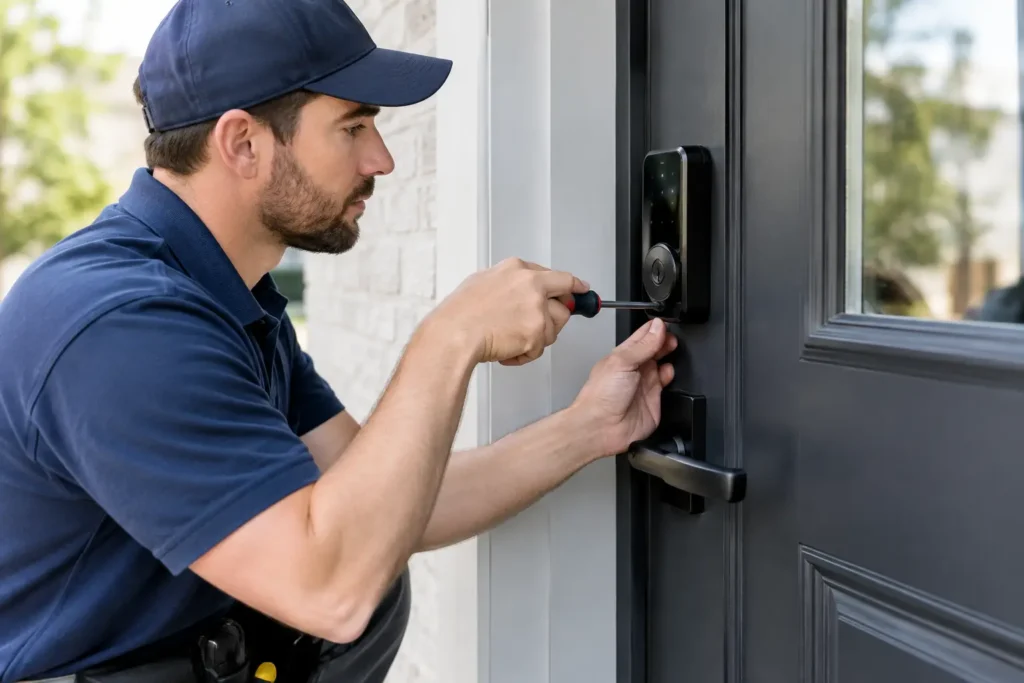
Proper installation includes correcting alignment issues where appropriate, securely fitting the interior and exterior components, and confirming that the bolt extends freely into the frame. It also includes checking that the door latches and locks without slamming, lifting, or pulling it into position. These details affect reliability and help prevent unnecessary wear on the lock.
Existing Hardware May Need Attention
A smart lock generally works best when the rest of the door hardware is in good condition. Loose hinges, a worn latch, damaged weatherstripping, or an improperly installed strike can all affect daily operation. On some doors, a new deadbolt and minor hardware adjustments are enough. On others, the better answer may be lock repair, replacement hardware, or door service before installing electronic access.
For commercial doors, the evaluation is even more important. A smart residential deadbolt is not a substitute for properly rated commercial hardware, panic hardware, or a controlled access system where building use or code requirements call for those solutions.
Choosing the Right Type of Smart Lock
There is no single smart lock that fits every Kirkwood home or business. The right option depends on how the door is used, who needs access, and whether the owner wants remote features.
Keypad locks are often the most straightforward option. They allow entry with a code and usually include a mechanical key override. They can work well for homeowners who want keyless entry without relying on a phone or internet connection.
Wi-Fi or hub-connected locks offer remote controls and notifications through an app. These features can be helpful when granting temporary access or checking whether a door was locked. The trade-off is that connected locks require attention to batteries, account setup, app permissions, and network reliability.
Some locks work with existing mechanical deadbolts by replacing only the inside thumbturn assembly. This can preserve the exterior appearance of the door and may be useful where a property owner wants to keep current keys. However, compatibility varies, and the original deadbolt still needs to be in good working order.
Biometric locks add fingerprint entry, which may be convenient for certain households or controlled-access areas. As with any electronic feature, owners should consider who will be using it and whether keypad or physical-key backup is needed. A dependable backup plan matters when batteries are low, a phone is unavailable, or a user has not been enrolled in the system.
Installation Is Also About Security Planning
A smart lock is one part of an entry security plan, not a complete solution by itself. If a homeowner has just moved into a Kirkwood property, rekeying or replacing other exterior locks may still be necessary. If several doors use different keys, it may make sense to review which doors need electronic access and which would be better served by conventional locks.
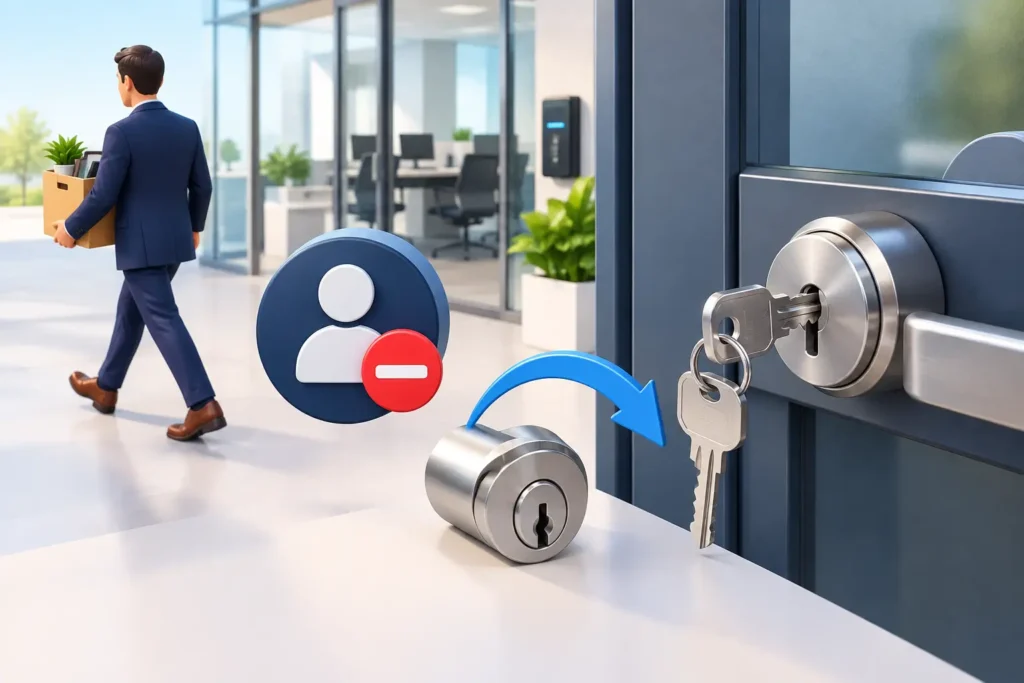
Landlords and property managers should also consider turnover procedures. Deleting old user codes is helpful, but it should not replace a thoughtful review of physical keys, garage remotes, mailbox keys, and any shared access points. For a business, access should be limited to the right people, with a clear process for removing employee codes when roles change.
A locksmith can help identify where a smart lock makes sense and where another option is safer or more practical. For example, a primary entry may benefit from keypad access, while a rarely used rear door may only need a quality deadbolt and fresh keys. Matching the hardware to the use of the door helps avoid spending money on features that will not be used.
Common Issues After DIY Smart Lock Installation
Many customers call after installing a smart lock themselves and finding that it works inconsistently. The most common issue is bolt alignment. If the bolt rubs the strike plate, the motor has to work harder each time the lock cycles. That can cause error messages, incomplete locking, and batteries that do not last as expected.
Another problem is overtightening mounting screws or pinching wiring between the interior and exterior assemblies. Some locks may power on but fail to operate consistently when components are not seated correctly. Incorrect handing, calibration problems, and incompatible door dimensions can cause trouble as well.
Connected locks can introduce setup concerns beyond the physical installation. The owner may need help confirming app settings, creating user codes, testing automatic locking features, or understanding which alerts are actually useful. Professional service should leave the customer with a lock that has been tested from both sides of the door and a clear understanding of normal operation and backup entry options.
Smart Locks for Homes, Rentals, and Local Businesses
The needs of a single-family home are different from those of a rental property or commercial location. A family may prioritize easy everyday entry and a physical key backup. A landlord may need temporary codes between turnovers. A business may need controlled employee access while maintaining proper commercial-grade door hardware.
For offices, shops, restaurants, and other Kirkwood businesses, the entry door must also support normal operations. A lock problem can delay opening, frustrate staff, or leave a door unsecured after closing. Before adding a smart lock to a commercial door, consider the door type, fire and life-safety requirements, existing access hardware, and the number of people who need entry. In some cases, a master key system, commercial keypad lock, or broader access-control solution is a better fit.
Locks R Us Locksmith provides mobile locksmith service throughout Kirkwood and West St. Louis County, bringing the tools and hardware knowledge needed to evaluate doors on site. Clear communication matters: customers should understand what work is needed, what the lock can realistically do, and what to expect before installation begins.
When to Call for Professional Smart Lock Help
Professional installation is a practical choice when the existing deadbolt does not operate smoothly, the door is older or out of alignment, or the lock will be used for a rental or business. It is also worthwhile when you want the installation checked before relying on remote access or issuing codes to multiple people.
If a newly installed smart lock is flashing errors, draining batteries, refusing to calibrate, or leaving the bolt partly extended, avoid forcing the hardware. The issue may be a simple alignment correction, but continued use can damage the lock or leave the door unsecured.
A good smart lock should feel simple once it is in place: the door closes properly, the bolt moves freely, authorized users know how to enter, and there is a backup method when technology is not the answer. For Kirkwood property owners, that kind of careful installation turns a convenient upgrade into dependable daily security.