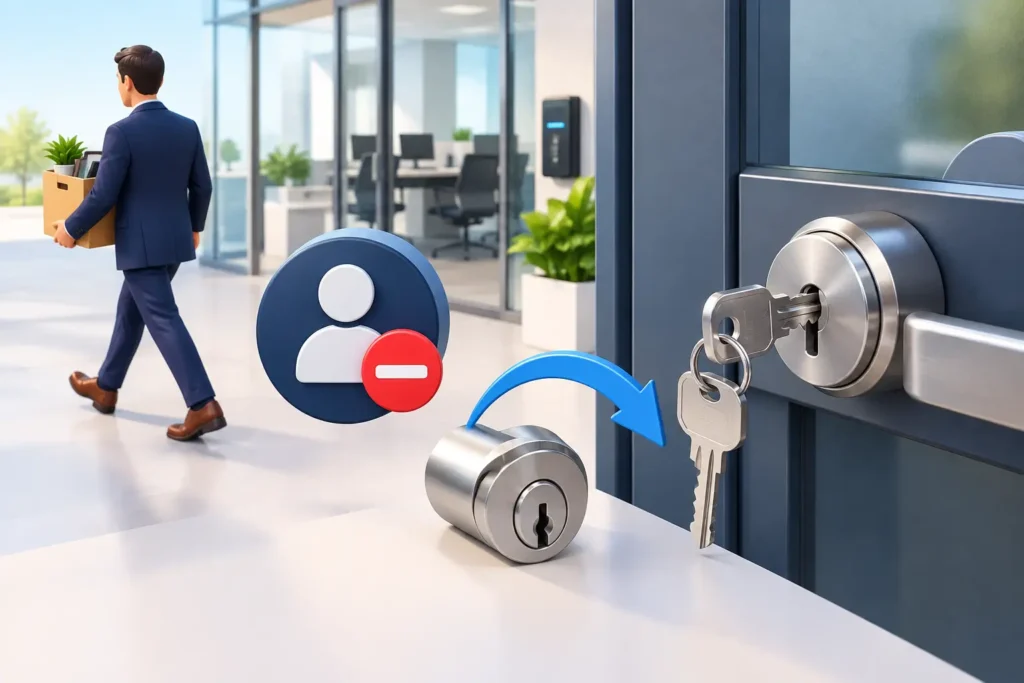
Benefits of smart locks: A compatible smart lock can offer keypad entry, temporary codes or connected features, depending on the model. It still needs a sound door and frame, suitable hardware, battery maintenance and a backup-entry plan. Removing a code does not disable a physical key.
A smart lock swaps the physical key for a keypad code, a phone app, a fingerprint, or a fob — or lets you keep a traditional key as backup while adding those options on top. Interest has grown quickly: the global smart lock market is expected to be worth roughly USD 4 billion in 2026, and industry researchers project it will more than triple again within the next decade as home automation becomes standard rather than a novelty.
Temporary codes can make visits easier to manage without handing out extra keys. But a smart lock is still a physical lock: its security depends on the door, frame, hardware and account settings. If someone still has a physical backup key, deleting their code does not stop that key from working.
How a Smart Lock Actually Works
Underneath the app and the keypad, a smart lock is still a deadbolt or latch driven by a motor instead of your wrist. When you enter a code, tap a phone, or press a fingerprint sensor, the lock verifies the credential electronically and then turns the same mechanical bolt a traditional lock would use. That matters, because it means the physical security of the door still depends on the quality of the bolt, the strike plate, and the door frame — the electronics are the front door to the front door, not a replacement for it.
Most smart locks connect one of a few ways: Bluetooth talks directly to your phone when you are nearby, Wi-Fi connects the lock straight to your home network for remote access from anywhere, and Z-Wave or Zigbee route through a separate smart-home hub. Some locks combine two or three of these so you keep local control even if the internet is down. A handful still include a physical keyway as a manual override, which we generally recommend keeping rather than going fully keyless — batteries do eventually die.
Types of Smart Locks
Not every smart lock suits every door. The table below breaks down the main categories we install and where each tends to make the most sense.
| Type | How You Unlock It | Best For |
| Keypad | Numeric code on the lock itself | Families, rentals, anyone who wants access with no phone required |
| Bluetooth | Phone app, auto-unlock when nearby | Homeowners who want convenience without extra hub hardware |
| Wi-Fi | App, works from anywhere with signal | Remote monitoring, vacation rentals, checking the door from work |
| Biometric / Fingerprint | Fingerprint or facial scan | Offices, households that want to skip codes and apps entirely |
| Hub-connected (Z-Wave / Zigbee) | Integrated with a broader smart-home system | Homes already running smart lighting, cameras, or thermostats |
Deadbolts remain the most commonly installed style, and Bluetooth is currently the most widely used connection method across the market, largely because it does not require a separate hub or a strong Wi-Fi signal right at the door.
The Real Benefits for a Home
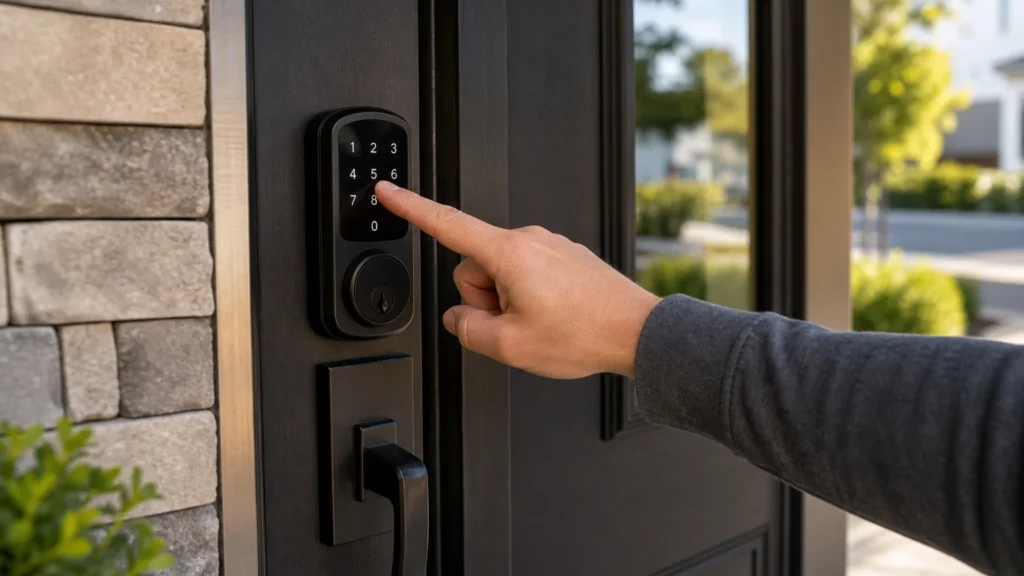
Smart locks can make everyday access easier by using a keypad, app, or approved credential instead of relying only on a traditional key.
Another Way In When a Key Is Missing
A working keypad can provide another way in when a physical key is missing or your phone is unavailable. It does not eliminate lockouts: batteries, electronics or the door mechanism can still fail. Know the backup-entry method for your model before relying on it.
Temporary Codes Instead of Handing Out Keys
Supported temporary or scheduled codes can let visitors enter without a permanent physical key. Check the model’s features and remove codes when they are no longer needed. If a visitor also has a physical backup key, that key needs to be accounted for separately.
Remote Access and Peace of Mind
Wi-Fi and app-connected locks let you check whether the door is locked from anywhere, and unlock it remotely for a family member, a delivery, or a repair crew. Many models record access activity and let you remove a code when it is no longer needed. Features vary, so select a lock that fits how you actually use the door.
Fewer Keys to Track, Fewer Copies in Circulation
Review both digital credentials and physical backup keys when access changes. Delete codes and app permissions that are no longer needed. If a physical key is lost or not returned, ask whether the cylinder should be rekeyed; resetting the app does not change it.
Smart Locks for Businesses and Rentals
For an office, compare user-code limits and any supported activity logs. Logs record credentials used; they do not prove who entered if a code is shared. Remove former users from the app and keypad, and separately account for physical backup keys. See our commercial locksmith services for mechanical locks and key control. Card-reader, fob-based and centrally managed access-control installations are outside our scope.
At tenant or guest turnover, review app users, entry codes and any physical keys. Some models support timed guest codes, but remote management depends on the hardware and connectivity. A log records a credential being used, not necessarily the identity of every person entering.
What to Check Before You Buy
Before buying, confirm the door thickness, backset, handing, existing bore holes, preferred access method, and compatibility with your phone or home platform. A lock that looks right in a store display does not always fit an older door without modification, and mismatched hardware is one of the most common reasons a smart lock installation runs into trouble. If you have not settled on a model yet, our guide to the best smart locks for a family home walks through the trade-offs between keypad, retrofit and fingerprint models. This catches people out most on pre-war doors of the kind common around Kirkwood, where the bore and backset often predate any modern standard.
- Door thickness — most residential smart locks fit standard 1 3/8″ to 1 3/4″ doors, but older homes sometimes vary.
- Backset — the distance from the door edge to the center of the existing bore hole, usually 2 3/8″ or 2 3/4″.
- Handing — whether the door swings left or right, and in or out.
- Existing bore holes — retrofitting onto an existing deadbolt is far simpler than cutting new holes.
- Power source — most run on standard AA or CR123 batteries with months of life, but check the model before buying.
- Platform compatibility — confirm the lock works with your phone’s operating system and any smart-home hub you already run.
Why Professional Installation Matters
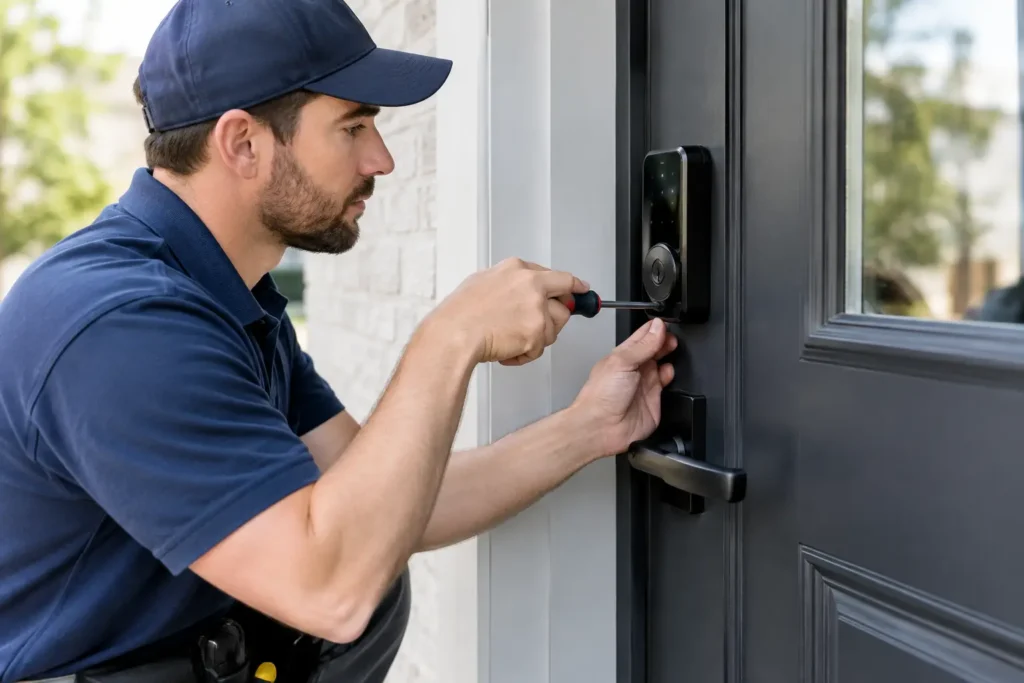
A smart lock is only as reliable as its installation. Door alignment, latch movement, battery access, wireless coverage, and the mechanical backup all need to be checked. Smart locks do not automatically fix a weak door or frame. Reinforced hardware and a properly installed strike remain important parts of the security system.
We see the same handful of installation problems repeatedly: a bolt that binds because the door was never quite square, a keypad mounted somewhere with poor wireless signal back to the router, and batteries installed backward or in a housing that lets in weather. None of these are the lock’s fault, and all of them are avoidable with a proper install. Our smart lock setup service covers fitting, alignment, and a full function test before we leave, so the lock works the way it is supposed to from day one.
Security, Battery Life, and Privacy
It is a fair question, and one we get often: are smart locks actually secure? Survey data on smart-home adoption shows a real split — a large share of users worry about data breaches, and many people say they would hesitate to install a connected device that collects personal data even in exchange for a benefit like an insurance discount. Those concerns are worth taking seriously rather than waving away.
In practice, a reputable smart lock from an established manufacturer uses encrypted communication between the lock, the app, and any hub, and reputable brands patch vulnerabilities as they are discovered, the same way your phone gets security updates. The bigger practical risk is usually mundane: a weak or reused account password, or a code shared with someone who was never removed from the system. Both are fixable with basic habits — unique passwords, two-factor authentication where the lock offers it, and a habit of reviewing who has active codes every few months, in line with CISA’s general guidance for securing any connected device.
Battery life and low-battery warnings vary by model, use, door alignment and settings. Check the manual for the specified batteries and replacement procedure. Some locks offer external emergency-power contacts; others use a backup key or another method. Confirm your model’s procedure and keep backup access available.
Fitting a Smart Lock Into a Bigger Security Setup
A smart lock rarely lives alone for long. Once a household has one connected device at the door, the next natural step is usually a video doorbell, an alarm system, or a couple of security cameras covering the entry points, and most current smart locks are built with that in mind rather than as a standalone gadget.
Voice Assistants and Smart-Home Hubs
Locks that support Z-Wave, Zigbee, or a manufacturer’s own hub can usually be told to lock through a voice assistant, added to an automation (“lock the front door at 10 PM if it is still unlocked”), or grouped with lighting so an unlock event turns on the porch light automatically. None of this is required for a smart lock to be worth installing, but it is worth knowing before you buy if you already run a smart-home system, since not every lock speaks every ecosystem’s language equally well.
Pairing With a Video Doorbell or Cameras
The combination people ask us about most is a smart lock paired with a video doorbell. Seeing who is at the door before deciding whether to unlock it remotely closes the biggest practical gap in remote access — you are not unlocking blind. If you already have exterior cameras, most current smart locks can trigger a recording or a notification through the same app ecosystem, so an unusual unlock at 2 AM shows up as an alert rather than something you find out about later.
Multiple Users, One Household
Every adult in a household typically gets their own login and their own code or fingerprint, rather than sharing one credential. That means an activity log actually tells you something useful — not just that the door was unlocked, but which family member did it and when. For a teenager coming home late or a parent checking on an aging relative living independently, that visibility is often the single most valued feature, well ahead of the convenience of skipping a physical key.
Smart Locks vs. Traditional Locks
| Factor | Traditional Lock | Smart Lock |
| Access method | Physical key only | Code, app, fingerprint, or key backup |
| Losing access | Requires a locksmith or rekey | Remove digital credentials; assess any missing physical keys separately |
| Guest access | Cut a spare key | Temporary, time-limited codes |
| Activity history | None | Logged entry and exit times on most models |
| Power dependency | None | Battery-powered, most with manual backup |
| Upfront cost | Lower | Higher, offset by fewer rekeys over time |
What Installation Costs
Smart-lock installation costs depend on door preparation, hardware compatibility, fitting, pairing and testing. Confirm whether the quote includes the lock itself, removal of old hardware, setup and any alignment work. If other doors need rekeying, ask for a combined quote so you can compare the complete visit.
If you are weighing a smart lock against other upgrades, our guide on residential locksmith quote guide explains what to ask about when comparing estimates for lockouts, rekeying and hardware replacement.
Take Action with Locks R Us Locksmith
Locks R Us installs compatible smart locks for homes and businesses in Greater St. Louis. Whether you are upgrading a single front door or fitting out a rental property between tenants, we handle the door prep, the alignment, and the setup so the lock works properly from day one.
Call (636) 628-7803; service is available daily from 8 AM to 10 PM. If a smart lock is not the right fit for your door, we will tell you that too, and help you find hardware that is.
Frequently Asked Questions
Are smart locks automatically more secure than keyed locks?
No. Security depends on the door and frame, the lock hardware, installation, account settings and how access is managed. Compare the specific model and keep its software and access permissions up to date.
What happens if the battery dies?
Use the backup-entry method specified for your model. It may have a physical key or emergency-power contacts, but these features vary. Check the manual and prepare backup access before the batteries run out.
Can a smart lock be installed on any door?
No. The lock must suit the door thickness, backset, handing, existing preparation and intended use. Check compatibility and correct any binding before installation.
Do smart locks work during a power or internet outage?
Check your model. A battery-powered lock may retain local keypad or mechanical operation while connected features are unavailable. Do not assume remote access or nearby app access will work during an outage.
Is a smart lock useful for a rental property?
It can simplify code management if its features fit the property. At turnover, remove former users and codes and account for physical backup keys. Deleting a code does not disable a key.